
People who actually know SQL teaching people who want to.
ssh-terminals is a nationally available SQL training platform built around real instructor contact, not pre-recorded slides.
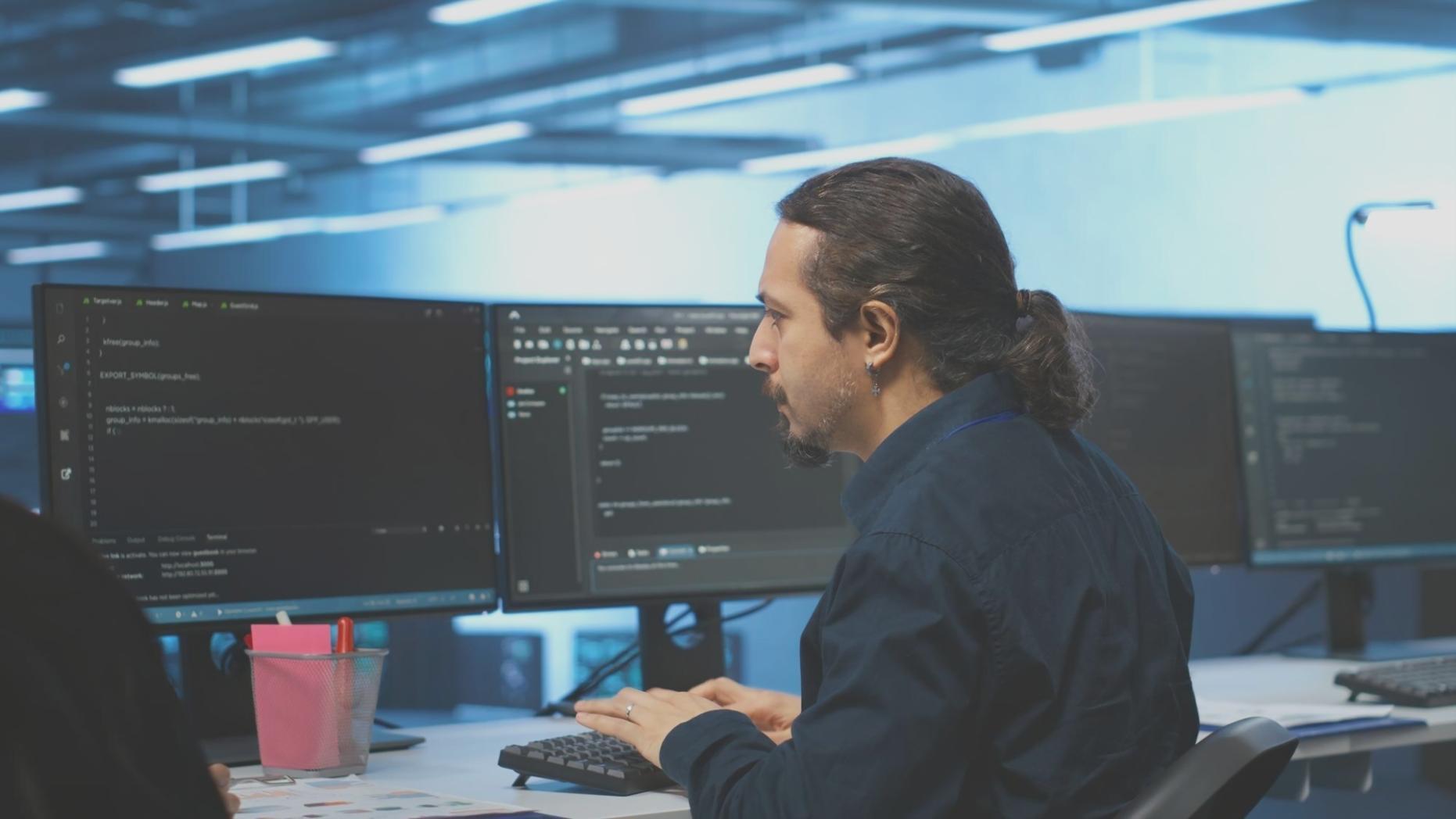
A terminal window and a question nobody could answer clearly.
ssh-terminals started because SQL education online was either too shallow or locked behind expensive enterprise contracts. The original instructors were database administrators who kept getting the same questions from colleagues across different states - questions that a weekend tutorial could not answer well enough to actually use in production.
The platform grew from small group calls into a structured program covering everything from basic SELECT statements to window functions, query optimization, and schema design. Today, learners from rural Wisconsin to urban California connect through the same live sessions, using tools like MobaXterm to access remote practice environments and run real queries against real databases during class.
MobaX term - often searched as mobaxterm - is one of several tools we walk students through in the early sessions. Getting comfortable with a terminal client early makes the rest of the SQL work feel much less abstract.

Four people, four different paths into databases.
Each instructor came from a working background in data - not academia. That difference shows up in how sessions are run and what questions get taken seriously.

Petra Valkonen
Petra spent eight years as a data analyst at a logistics company before moving into teaching. She runs the group sessions and has a particular focus on helping learners understand execution plans - not just writing queries that return the right rows, but understanding why a query is slow.

Anneliese Drury
Anneliese handles most of the one-on-one sessions. She worked in database administration for a regional healthcare network and brings a practical perspective on data integrity, normalization, and why schema decisions made early tend to cause the most pain later.
Cormac Healy
Cormac covers the more technical end of the curriculum - window functions, CTEs, recursive queries, and PostgreSQL-specific features. He also runs the sessions where students connect via MobaXterm to the shared practice server and work through real dataset exercises.
Yusuf Brandvik
Yusuf manages how the program is structured across different learner levels. He built the adaptive path system that lets a student who already knows basic joins skip ahead without sitting through content they do not need. He also handles onboarding for new students who have never used a terminal client before.
Structure that fits around what you already know.




Group sessions run three times a week.
Each group session has a cap of twelve students. That keeps the instructor-to-student ratio low enough that questions get real answers, not generic redirects to documentation. Sessions run for ninety minutes with a live query exercise at the end.
Private lessons follow your actual work problems.
One-on-one sessions are booked in sixty or ninety minute blocks. Students often bring their own data problems - a slow report query, a join that returns duplicates, a schema they inherited and do not fully understand. The session works through that specific problem rather than following a fixed script.
Practice environments are accessible from anywhere.
Every enrolled student gets access to a remote PostgreSQL instance. Connecting to it via the terminal setup guide - which covers tools like MobaXterm and moba x term configuration - takes about ten minutes on a first session. After that, the environment is available between classes for self-directed practice.
Questions before signing up?
The contact page has a direct line to the team. If you are unsure whether group sessions or private lessons fit better for where you are right now, that is exactly the kind of question worth asking before committing to anything.